01
Original HEVC/AAC preserved
RTM. does not decode and re-encode your picture and sound just to join the recording.

RTM. restores split DJI Osmo Pocket 4 / 4P long recordings into a single verified timeline while preserving the original compressed video and audio payload. No generational re-encode. No modification of your source files.
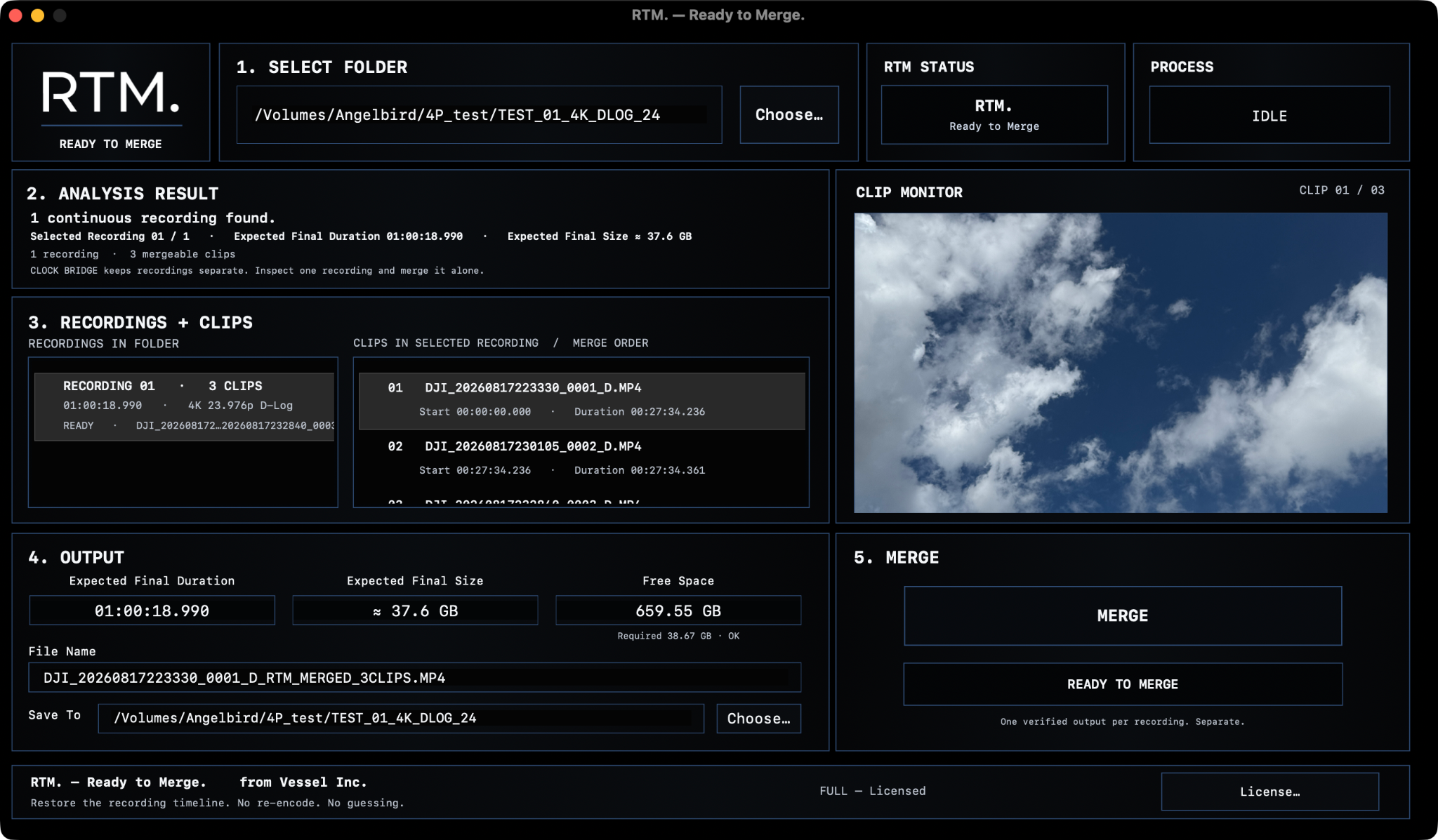
Long recordings on DJI Osmo Pocket 4 / 4P can be split into multiple MP4 files. RTM. identifies the recording chain, shows the exact clip order, rebuilds the continuous output, and verifies the result before accepting it.
RTM. does not decode and re-encode your picture and sound just to join the recording.
Your original DJI files are never rewritten. RTM. creates a new output and leaves the camera originals alone.
The output must pass RTM.'s safety and verification checks. If something does not make sense, RTM. stops instead of guessing.
RTM. scans the folder and detects continuous recording chains without modifying the source files.
The recording and its clips are shown separately, including merge order, expected duration and estimated output size.
RTM. merges the recording, runs audio and deep verification, and only then marks the output as accepted.
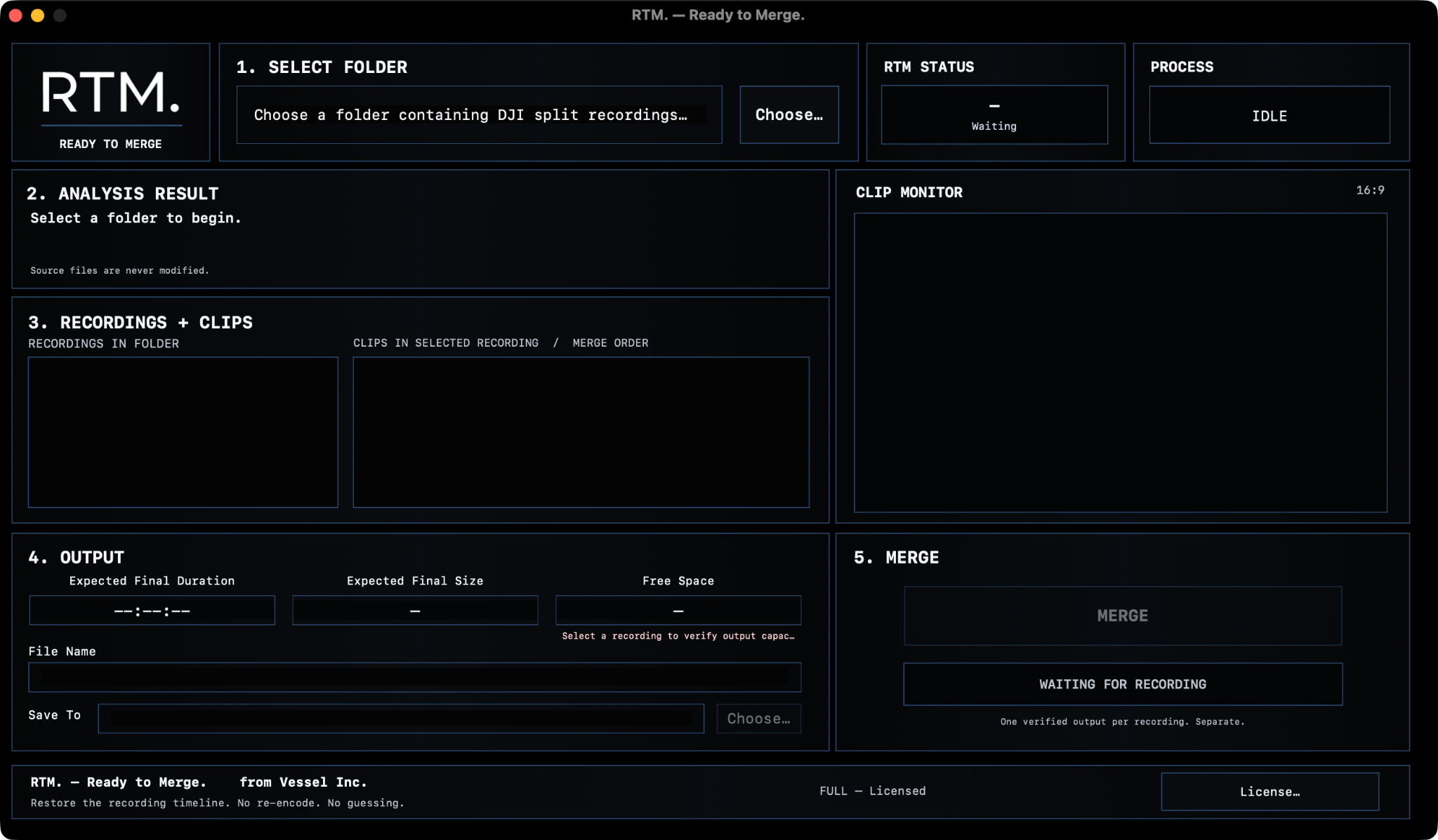
RTM. is designed to restore the recording timeline, not to reinterpret the footage. The goal is simple: keep the encoded media, rebuild the continuous output, and prove that the result is acceptable before calling it done.
RTM. Full is a perpetual license. Activate up to two Macs, see your activation status inside the app, and deactivate a Mac when you need to move the license.
No. RTM. is designed to preserve the original encoded HEVC/AAC media payload rather than decoding and recompressing the recording simply to make one file.
No. Source files remain read-only. RTM. creates a separate merged output.
RTM. stops. It does not accept an output that fails its verification path.
Yes. RTM. safely stops the active merge, discards the incomplete output for that recording, and keeps the original camera files untouched.
No. Each detected recording is treated independently. One verified output per recording.
No. After successful activation, Full authorization is stored locally for offline use. Network access is used when you explicitly activate, refresh license status, or deactivate.